Windows Security Warning? Here's what you need to know.
When you run the Note Dossier installer, Windows may show a warning. This is normal — it does not mean the app is unsafe.
100% Clean · Scanned before every release
By installing, you agree to the Note Dossier End User Licence Agreement.
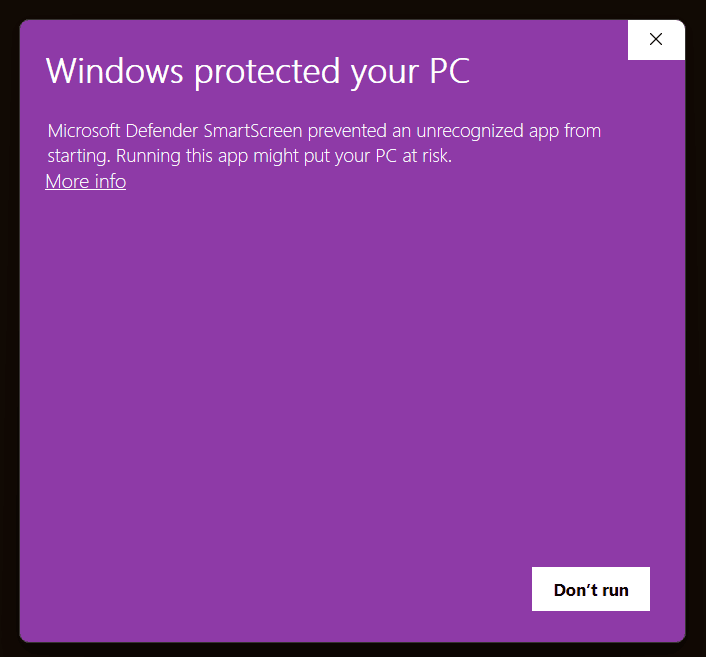
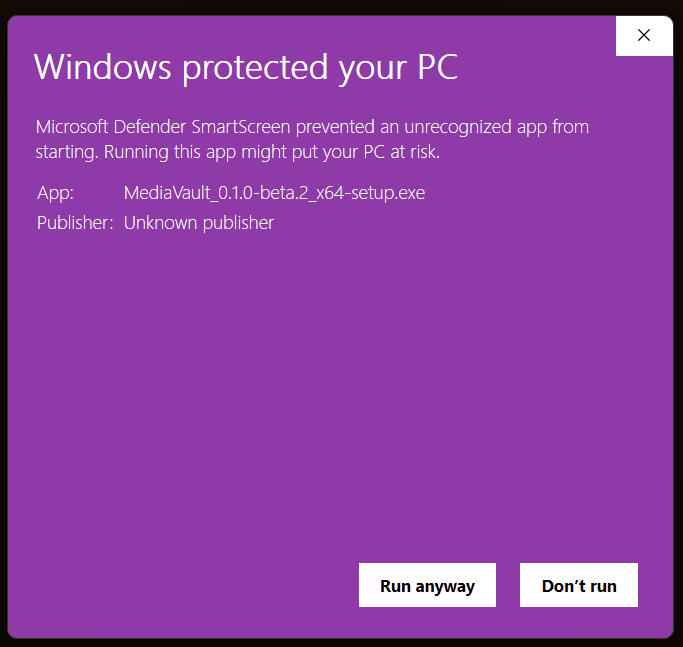
You may see a similar message like this on Windows.
How to run the installer
Follow these simple steps to run Note Dossier on your Windows PC.
Windows protected your PC
Microsoft Defender SmartScreen prevented an unrecognized app from starting.
Windows SmartScreen will show a warning. Click More info to see additional options.
Windows protected your PC
Microsoft Defender SmartScreen prevented an unrecognized app from starting.
Windows will ask for confirmation. Click Run anyway to start the installer.
We build trust, not shortcuts
As Note Dossier grows, this warning will appear less often. We earn your trust through transparency, privacy, and reliable software.